

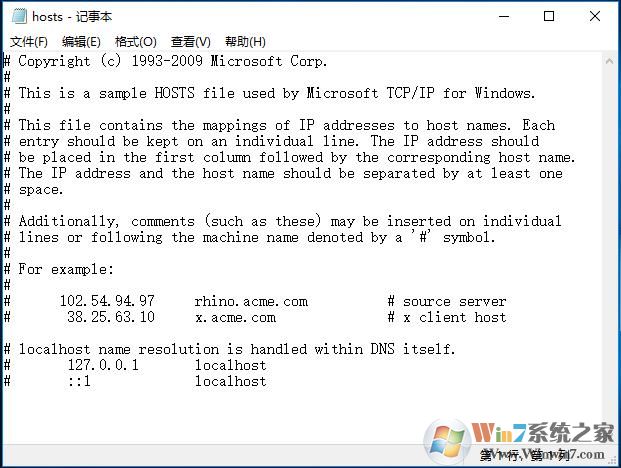
Win10 64位系统记得一定要以管理员身份运行记事本,再用记事本打开hosts文件才能保存。
文件路径:C:\WINDOWS\system32\drivers\etc\hosts
默认内容:
# Copyright (c) 1993-2009 Microsoft Corp.
#
# This is a sample HOSTS file used by Microsoft TCP/IP for Windows.
#
# This file contains the mappings of IP addresses to host names. Each
# entry should be kept on an individual line. The IP address should
# be placed in the first column followed by the corresponding host name.
# The IP address and the host name should be separated by at least one
# space.
#
# Additionally, comments (such as these) may be inserted on individual
# lines or following the machine name denoted by a '#' symbol.
#
# For example:
#
#
#
# localhost name resolution is handled within DNS itself.
# 127.0.0.1
# ::1
小知识:其实原Win10系统的HOST文件只能说是一个空文件而以 因为 # 在HOST中是注释掉的意思,所以都是没用的一些信息,保持空白也是可以的。
End